

Wondering if Bumble shows screenshots or pings your match when you grab one? Good news: it doesn’t. You can screenshot profiles and chats without alerting the other person—though you should still share responsibly and protect people’s privacy.
TL;DR
- Bumble does not notify users of screenshots (profiles or chats).
- Bumble doesn’t show read receipts or your online/activity status.
- Be mindful: sharing someone’s personal info without consent can violate Bumble’s rules.
- You can report suspicious or harassing accounts—Bumble enforces community guidelines.
- Basic screenshot steps for iPhone and Android are included below.
Dude Hack Exclusive Offers


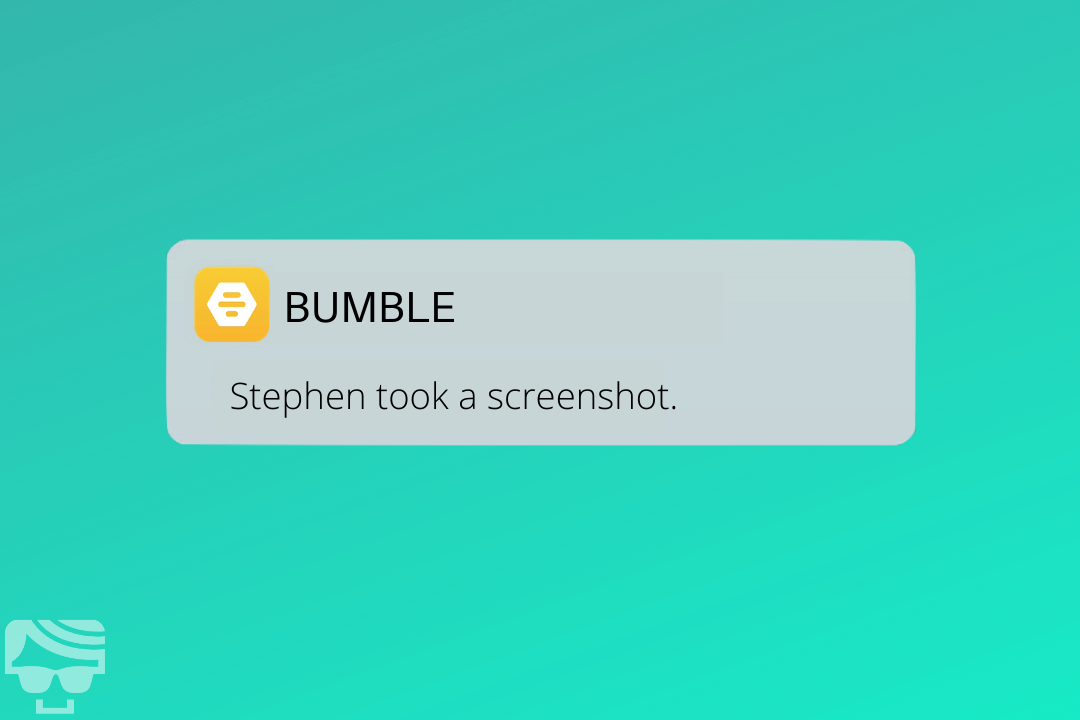
Does Bumble Notify Someone If You Screenshot Their Profile?
Say, you’re going through different profiles on Bumble and you find one that catches your attention. You want to screenshot and share it with your friends, just to get a second opinion. But then you wonder, the other person will be notified if you take a screenshot? Fortunately, Bumble does not notify the users when you screenshot a profile. You can snap it and share it with your friends to get a second opinion. However, remember to not misuse this information. Sharing personal information about others without their consent is a violation of their privacy and is unethical—and it can run afoul of Bumble’s community guidelines.
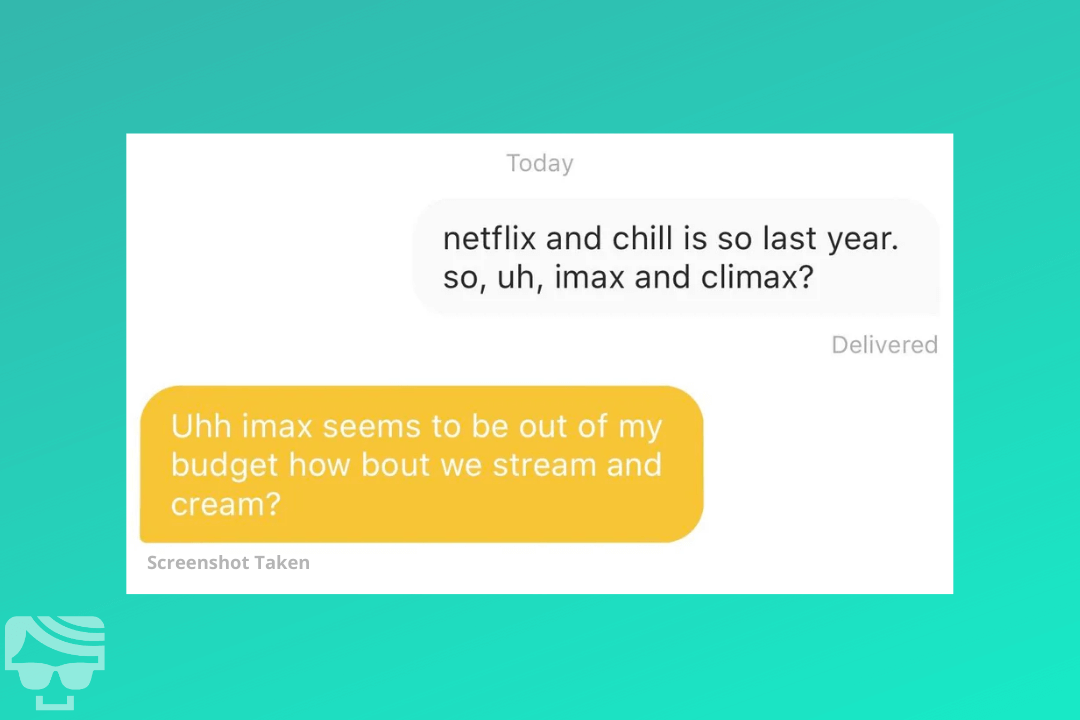
Does Bumble Notify Someone If You Screenshot The Conversation
Another concern you probably have is whether Bumble notifies the other person when you screenshot a conversation. As I mentioned earlier, it doesn’t notify users when a screenshot of a conversation is captured. Maybe your match said something funny or maybe the conversation has become awkward and you need advice. Whatever the case may be, you can capture screenshots without worrying about making the other person uncomfortable. However, as mentioned earlier, be careful in how you use this power. Sharing personal information without consent is a violation of privacy and is even considered a crime in certain places. And yes, Bumble’s rules prohibit scams, doxxing, or harassment—report it if you see it.
3 Reasons Why People Share Bumble Screenshots
Just like you’re taking screenshots, others are free to do this as well. So, be careful. In order to protect your privacy on Bumble, you need to know why people screenshot conversations. Don’t worry, I’ve got you covered. Here are 3 reasons why people screenshot conversations or profiles:
1. Sharing Funny Profiles Or Conversations
Naturally, if you see something funny you would want to share it with your friends. If you have a funny conversation with your match or if you see a profile with an amusing bio, you would want to share it with others. You’ll find quite a few threads online dedicated to funny conversations and profiles. These types of screenshots aren’t really a bad thing, so you don’t have to worry about it. If you do intend on taking screenshots, I suggest blurring out their personal information, to prevent any negative incidents from occurring if your screenshots get shared further.
2. Concerned About A Suspicious Account
If you see an account that’s acting suspiciously, people might also capture screenshots. If an account user is being creepy or harassing someone, then people tend to take screenshots to warn other users. Also, the profile might be a blatant catfish. Generally, people also share screenshots if they’ve had a bad experience with a certain account. When in doubt, report the profile in-app so Bumble’s team can review it under the Community Guidelines.
3. Getting Advice
Sometimes, people take screenshots simply to get advice from their friends. If you’re talking to someone you like, you would want the conversation to run smoothly. If you get stuck at any point, asking for advice would be the best option. If you’re stuck and want to ask your friends for advice, I suggest censoring any personal information before sharing it. This is best for both you and your match. Imagine if they were ever to discover the screenshot, it would ruin your chances with them. Even if you had no ill intentions.
How To Screenshot Bumble On iPhones
How to take a screenshot on Apple devices depends on whether your iPad or iPhone has a Home button. If your iPhone has a Home button, take a screenshot by tapping the Home button and the Side button (on the right-hand side of your phone) at the same time. If your iPhone doesn’t have a Home button, you take a screenshot by squeezing the Side button with the volume-up button on the left-hand side of your phone.
How To Screenshot Bumble On Android
For Android phone users, you can take a screenshot by tapping the power button and volume-down button together. If that doesn’t work, try holding down the power button and selecting “Screenshot” from the pop-up menu. And if you’ve set it up, try double-tapping the back of your phone for a screenshot shortcut.
Bumble Privacy Policy
When you sign up for online dating you’re “putting yourself out there” – both figuratively and literally. How much data you give away is an important concern, so let’s check out Bumble’s Privacy Policy.
What Bumble Sees
Bumble’s privacy policy protects your password and financial information from other users. The app itself collects information like your name, username, email, mobile number, gender identity, date of birth, sexual preference, photographs, location, and certain login or device details. If you link social accounts, some data from those accounts may also be processed—all as outlined in Bumble’s policy. In addition, your chat history is stored by Bumble so conversations can function across devices and be reviewed for safety or policy reasons if needed.
What Other Bumble Users See
The privacy policy also asks you to be careful with the type and amount of personal information you disclose: Bumble states you should assume anything you post may be publicly viewable and accessible by users or non-users (depending on where it appears). As with any other online platform, once you post something online, it’s out there forever. Consider carefully the information you share, such as political affiliations, religious leanings, as well as the content of your Bumble photos. If you want to rethink your public information, consider going invisible or taking a break to hide your profile for a while. And remember, you can’t control what other users do with the information they have access to. To ensure user safety, Bumble requires users to verify their accounts using their phone numbers and uses a mix of automated tools and moderation to enforce its Terms and Community Guidelines (and to fight scams and harassment).
Can Bumble Users See When You’re Online?
Bumble users can see anything and everything you post to the app, making your information pretty visible. But do they know when you’re actually there, tapping away your witty replies? So can Bumble users see when you’re online? No – Bumble does not indicate online status to other users, and it doesn’t show activity status either.
Does Bumble Have Read Receipts?
Read receipts are a controversial technology. They give us the knowledge that someone has got your message – but we all know that antsy feeling while we wait for a reply. So does Bumble have read receipts? No. There is no read-receipt feature on Bumble at any tier, paid or free, and Bumble confirms this in its help center. Personally, I think this is a good thing. Stop freaking out about whether your Bumble match has read your carefully crafted reply. If you’re following my 6 Pillars of a Good Conversation then you’ll have the confidence to know you’re keeping the conversation going.
Protecting Your Privacy On Bumble
Bumble’s privacy policy shows that the site does try to protect your privacy to an extent, however, you should also take some steps to protect your own privacy. Whether it’s Bumble or not, you should always have your wits about you using any form of online dating.
Avoid Disclosing Too Much Information
The first thing you need to do is to be careful with the type of information you disclose on the app. Be careful with the type of information you disclose on your profile—keep it relevant and interesting. Avoid adding political or religious opinions and never hand out your credit card information to a match! Also, be careful with the personal information you disclose. Don’t put anything that would put your safety at risk. Even while talking on private chat, think before you say anything. You don’t want your private conversation to be on display somewhere on social media.
Match With Verified Accounts
When matching up with accounts check to see if the accounts are verified. The last thing you need is to be catfished by a fake account. Thanks to Bumble’s security, such accounts are rare but you need to be careful still. If you see any of the following, I suggest reporting the account to Bumble:
- A minor
- Someone asking for money
- Someone trying to sell something
- Catfish accounts
- Someone trying to bully or harass others
- Someone trying to expose the private information of others
Bumble’s Community Guidelines cover all of this—use the in-app report tools if something feels off.
Final Thoughts
Generally, the answer to “Do dating apps notify screenshots?” is no – you can screenshot safely on Tinder, Bumble, and Hinge. If you want to take a screenshot of a conversation or profile on Bumble, you can do it. As of now, Bumble does not notify its users if screenshots are captured. However, just because we can take a screenshot on Bumble doesn’t mean we should. I do advise that you be careful with what you screenshot and share. I hope after reading this post you now have a better idea of Bumble’s privacy policy and how to keep yourself safe! And now it’s time to upgrade your Bumble account so that your potential matches are screenshotting the heck out of it to show their friends! My free 6-Step Tinder Tune-Up provides the ultimate dating app upgrade. Check it out to revamp your bio and fine-tune your photos and get more matches than ever.
FAQs
Does Bumble notify screenshots of profiles or chats?
No. Bumble does not notify users when you take screenshots of profiles or conversations. Still, share responsibly.
Can people see when I’m online on Bumble?
No. Bumble doesn’t show online or activity status to other users.
Does Bumble have read receipts on Premium or Boost?
No—there are no read receipts at any tier. Upgrades won’t add them.
How do I report a suspicious or harassing account?
Use the in-app report tools on the profile or in chat. Bumble enforces its Community Guidelines against harassment, scams, and doxxing.
What personal data does Bumble collect?
Bumble processes basics like name, age, photos, and location, plus certain device/social data as described in its Privacy Policy.
Can I hide my profile for a while?
Yes. You can take a break or go less visible so you’re not shown to new people while you pause. (Exact options can vary by feature rollouts in your region.)
