

Tinder University (also known as Tinder U or College Mode) is Tinder’s student-only feature that helps college students connect with verified classmates and nearby campuses. It’s fast to join using your school email, simple to use, and available on both iOS and Android.
TL;DR
- Tinder University is a student-only space inside Tinder that verifies your school email.
- You can enable it during sign-up or later from your profile settings.
- It’s now available in more countries, including the UK and Australia.
- Works seamlessly on iOS and Android.
- Lets you match with students from your school and nearby campuses.
What Is Tinder University?
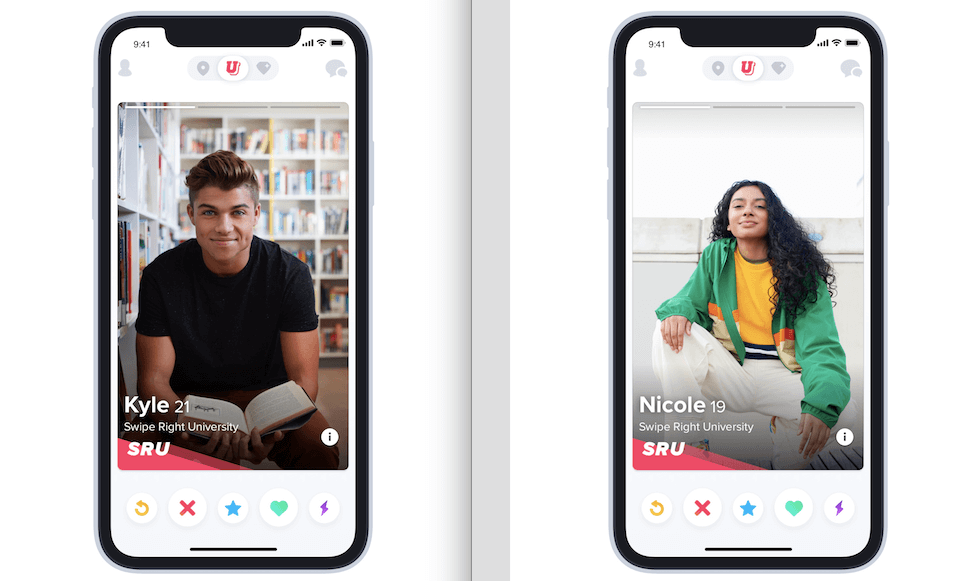
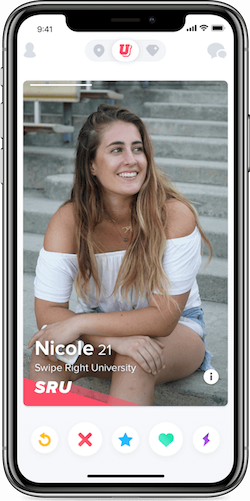
Tinder knows exactly what college students need — another fun way to meet new people and maybe procrastinate a little. Tinder University is a dedicated mode within the Tinder app for verified students. Once you confirm your school email, you’ll swipe through students from your campus and nearby colleges, each profile showing a small badge with their school name. It’s designed for meeting classmates, finding study buddies, or connecting across local universities. With millions of students already using Tinder, this feature just makes sense for those looking for a campus-based dating and social experience.
Dude Hack Exclusive Offers


How Does Tinder U Work?
Tinder U works just like regular Tinder but prioritizes verified students and adds a school badge to profiles.
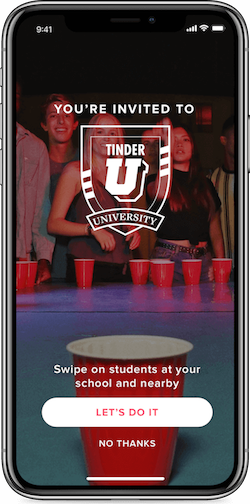
You verify your student email during sign-up or later from your profile settings. Open Tinder → Profile → Edit Info → Add your school → Verify via the link sent to your email.
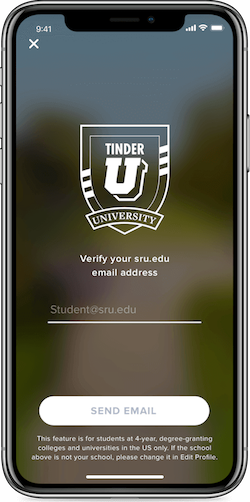
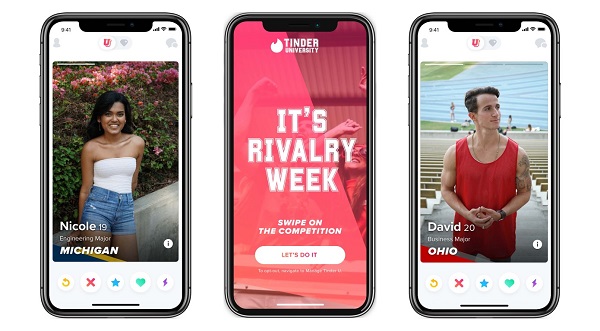
Once verified, your profile will appear with a school badge, and you’ll start seeing other students nearby. You can also turn the feature on or off anytime in settings. In big university cities like Boston, London, or Sydney, Tinder U often includes nearby campuses for even more matches.
Who Can Use Tinder U?
To use Tinder U, you must be a verified student with an active school email. U.S. students typically verify with a .edu address, while other regions support institutional domains like .ac.uk or .edu.au. Tinder U began in the U.S. but now includes select international schools under “Tinder Uni” or “College Mode.” It’s available for both iOS and Android users.
Do I Have To Use Tinder University?
No, it’s completely optional. If you want to match with the wider Tinder community, simply go to your settings and turn Tinder U off. You can switch between regular Tinder and Tinder University anytime you like.
Why You Should Use Tinder University
Tinder University gives students a safer, more focused dating space by connecting verified college users. The email verification step filters out non-students, making it easier to find people in the same environment. Whether you’re looking for a date, study partner, or new friends on campus, the school badge makes it clear who’s from where — no more guessing or awkward small talk about what college they attend.
Potential Downfalls Of Tinder University
Every feature has its quirks. The biggest downside? Running into matches in your lecture hall or group project after a date that didn’t go as planned. It also can’t block alumni who still have access to their old student email, so use your judgment. For non-students, Tinder’s main platform remains massive and more suited to broader matching outside college circles.
Should I Use Tinder U At My College?
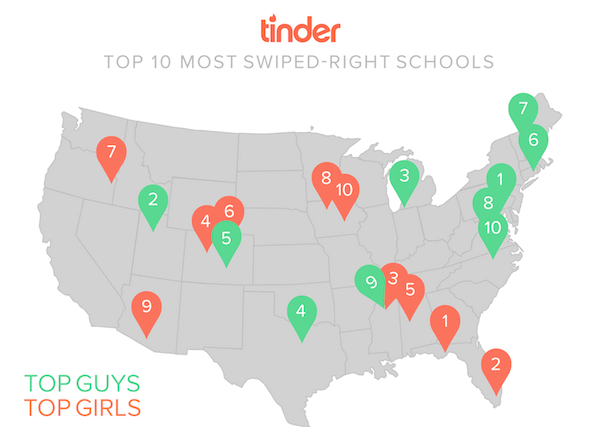
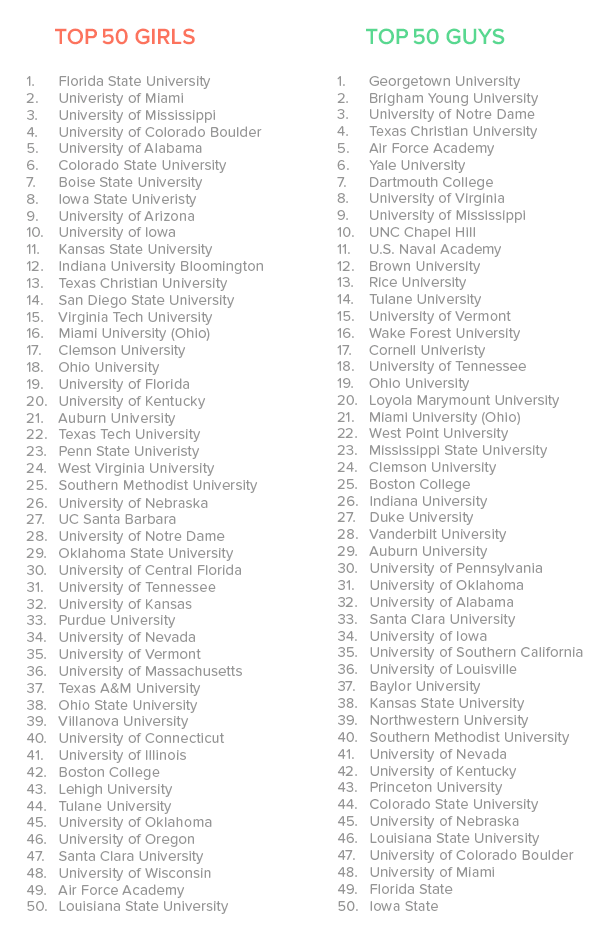
Tinder once shared “most right-swiped campus” lists, but those rankings are dated. Now, the best way to know if Tinder U works for you is simply to try it. If your college is supported, enable it and explore — there’s really nothing to lose.
FAQ
Is Tinder U the same as College Mode or Tinder Uni?
Yes, they’re the same. The name varies by region, but they all refer to Tinder’s student-only mode verified through your school email.
Do I need to be on campus Wi-Fi to join?
You’ll need to be on or near campus for your first verification. Once verified, you can use Tinder University anywhere Tinder is available.
Can I enable Tinder U during account creation?
Yes. Tinder now lets you enable College Mode during sign-up or later through your profile settings.
Does it work outside the U.S.?
Yes, Tinder U (often called Tinder Uni) is now available in countries like the UK and Australia, depending on supported schools.
Is it available on Android?
Yes. Tinder University works on both iOS and Android devices.
Will non-students see my profile?
Only if you switch Tinder U off. When it’s active, you’ll mainly see verified students from your school and nearby campuses.
