
Online privacy isn’t great these days. And yes, most of us still recycle the same password everywhere. But here’s the good news: on Hinge, your email and phone number stay private. They’re used only for login and verification, not for other users to see.
TL;DR
- Lost your number? You’ll likely need a new account.
- Hinge does not show your email or phone number to other users—they’re for login only.
- You can log in with phone, email, Google, or Apple using a one-time code.
- Hinge uses SMS codes and Selfie Verification for security.
- You can unsubscribe from marketing emails anytime.
Dude Hack Exclusive Offers



Does Hinge Show Your Email Address?
No, Hinge doesn’t display your email to anyone. It’s used solely for login, verification, and account updates. You’ll only receive Hinge-related emails, and you can manage or unsubscribe from them anytime through your account settings.
Should You Give Out Your Email On Hinge?
Not really. If you want to keep chatting outside the app, swap social handles or another messaging app instead. Keep your inbox for flights, receipts, and the occasional “oops” refund—not first dates.
Does Hinge Show Your Phone Number?
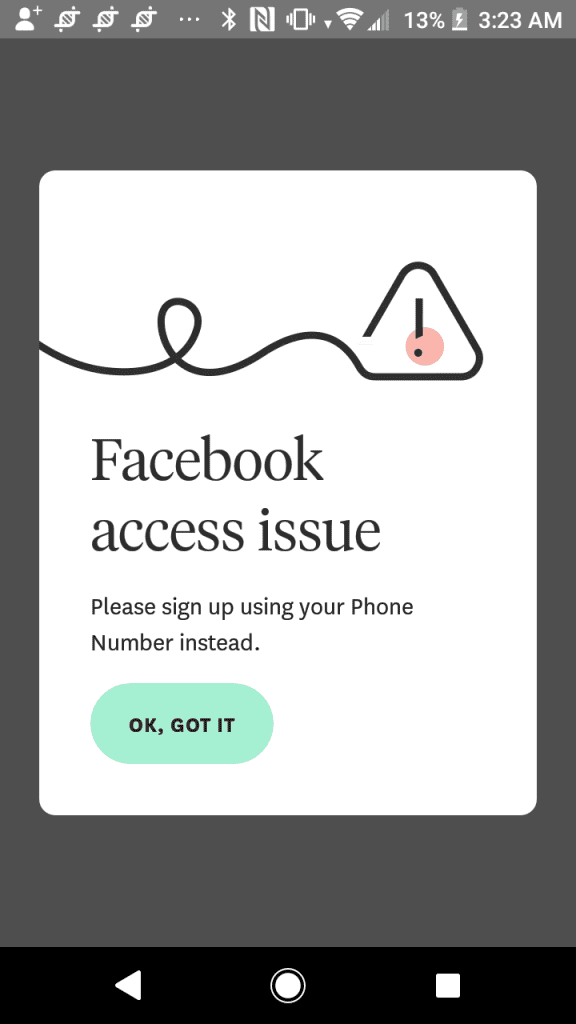
When you sign up or log in, Hinge sends a one-time code to verify it’s you. Your phone number is never visible to other users, and it’s not shared in chats or on your profile. If you’re not getting the code, it’s often a carrier or SMS-blocking issue—try again or switch to email login.
Recommended: Can You Go Invisible on Hinge?
Should You Give Out Your Phone Number On Hinge?
Share it only when you feel comfortable. It’s smart to wait until you’ve built some trust and are planning to meet in person. Don’t post it publicly on your profile unless you’re ready for a wave of spam calls.
2025 Security Notes Worth Knowing
Multiple login options: Hinge now supports login via phone, email, Google, or Apple. Stick with the same method you used at signup to avoid duplicate accounts.
Selfie Verification badge: Verify your identity with a short video selfie and earn a “Verified” badge—helping others know you’re real.
If you lose your number: Hinge can’t transfer your old account to a new number. You’ll need to create a fresh one with your new contact info.
Blocking people you know: Use the contact sync feature to block people from your phone or manually add an email/number so you don’t cross paths.
What others see: Your public profile (photos, prompts, and bio) is visible—but your private contact info remains hidden.
FAQ
Can my match see my email or phone number on Hinge?
No. Those details are private and used only for login and security—they’re never shown on your profile or in messages.
Can I use Hinge without a phone number?
Yes. You can sign up or log in using your email, Google, or Apple account. Just use the same method each time to access your existing profile.
I’m not receiving my SMS code—what should I do?
It’s usually a carrier or short-code issue. Double-check your number, ensure short-code messages are enabled, and try again after a few minutes.
What if I changed my number?
Hinge doesn’t transfer phone numbers on existing accounts. You’ll need to delete the old account and start fresh with your new number.
How do I stop marketing emails from Hinge?
Scroll to the bottom of any Hinge email and click Unsubscribe, or manage email preferences in your app settings.
Is selfie verification required?
No, it’s optional—but verifying your account adds a badge that builds trust with potential matches.
