
Short answer: chats on Feeld are partially protected from screenshots—profiles aren’t. On Android, chat screenshots are blocked; on iOS, messages can still be captured but chat photos are hidden. Profiles in Discover can be screenshotted on any device. Feeld doesn’t send screenshot notifications.
TL;DR
- Android: chat screenshots (messages + images) are blocked; iOS: messages can be screenshotted, images are hidden.
- Profiles in Discover are not protected—anyone can screenshot them.
- Feeld does not notify users about screenshots.
- Extra privacy tools: Incognito (Majestic), Private Photos, and new nudity detection/image blurring in chats.
- Other apps with blocking: Badoo blocks chat screenshots; Raya forbids screenshots and may ban repeat offenders.
Can You Screenshot on Feeld?
If your Feeld profile reveals a certain flexibility when it comes to the number of people involved in the bedroom, you might suddenly wonder what sort of screenshots might make it into the lads’ group chat.
So can you screenshot on Feeld? Yes and no. Feeld’s screenshot protection covers chats differently by device:
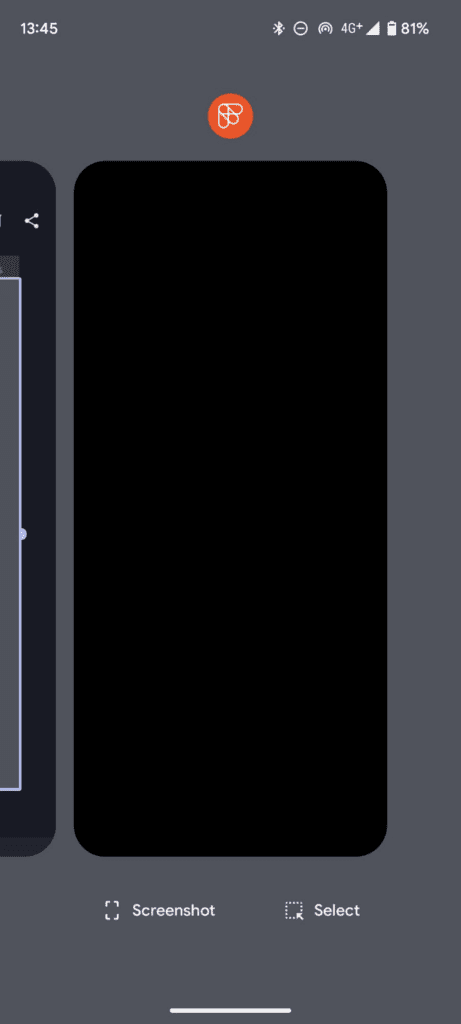
- Android: screenshots of chat messages and photos are blocked (users see an error or a black image).
- iOS: you can screenshot the messages, but photos in the chat are hidden in the screenshot.
Because you don’t know what phone your match is using, assume anything you type in chat could be captured on iOS—even though photos sent in chat are protected from simple screenshots.
Two 2025 additions worth knowing about: - Nudity detection & image blurring can automatically blur potentially explicit images you receive; you can tap to reveal. You can set this globally or per-chat.
Short videos in chats are convenient—but they aren’t protected by screenshot tools the way images are. Share thoughtfully.
Even on apps with screenshot protection, someone could still photograph the screen with another device. So go slow on personal details, and don’t share intimate images until you’ve met and verified each other.
Can You Screenshot A Profile On Feeld?
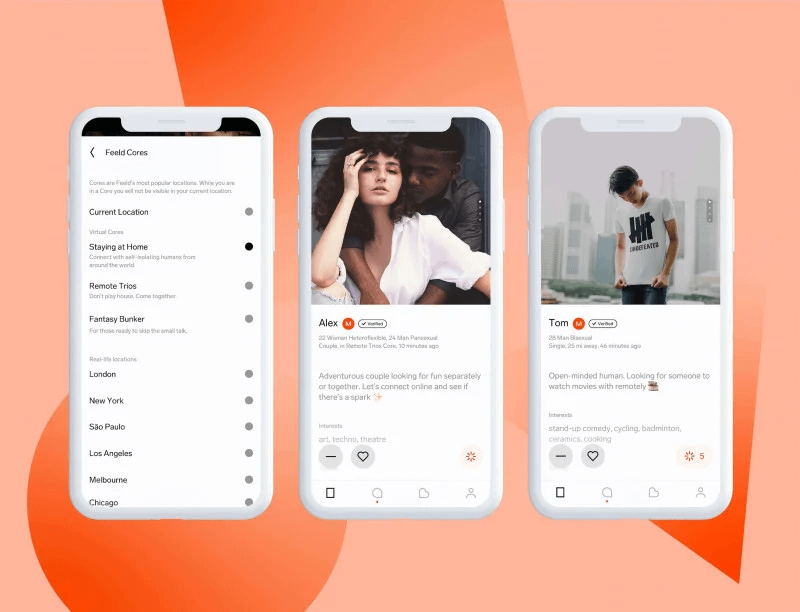
Yes. Any user can screenshot Feeld profiles in Discover. That means you can screenshot profiles—and anyone who sees yours can screenshot it too.
If you’re privacy-conscious, Feeld gives you a few levers:
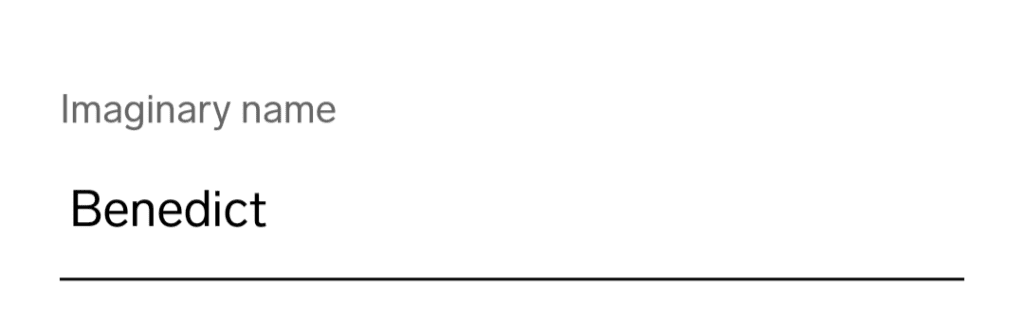
- Use an imaginary name and upload photos where your face is partially obscured.
- Private Photos (a Majestic feature) are visible only to your Connections.
Incognito mode (Majestic) lets you browse while only people you’ve liked can see you.
Does Feeld Notify Screenshots?
No. Feeld doesn’t send screenshot notifications for profiles, and the chat protection is about blocking or obscuring content—not alerting people.
So if you screenshot a profile to ask a friend for a second opinion, the other person won’t be notified. (Still: don’t share anything your match wouldn’t be cool with.)
What Dating Apps Don’t Allow Screenshots?
Privacy policies vary a lot. As of 2025:
- Feeld: blocks chat screenshots (Android: messages + photos; iOS: photos only). Profiles are not protected.
- Badoo: Screenshot Block stops chat screenshots on Android; iOS shows a warning.
Raya:no-screenshot policy; attempting screenshots can trigger warnings and bans.
Most mainstream apps (Tinder, Bumble, Hinge, etc.) do allow screenshots of profiles and chats, although several are rolling out stronger verification and safety features industry-wide.
Wrapping Up
The only things you can reliably count on not being shareable via a quick screenshot on Feeld are photos you send in chat (they’re hidden on iOS screenshots and fully blocked on Android). Everything else—from chat text on iOS to profiles in Discover—is potentially capturable. Use Feeld’s privacy tools, share intentionally, and aim to move great chats into great dates.
FAQ
Does Feeld block screen recordings too?
Partially. On Android, attempts to screen-record chats typically fail or capture a black screen; iOS can capture chat text but not images. Results can vary by device or OS version.
Can I make my photos viewable only after we match?
Yes—use Private Photos so only your Connections can see them. They’re part of Majestic Membership and must follow Feeld’s image guidelines.
Will Feeld ever notify someone if I screenshot?
There’s no evidence of screenshot notifications on Feeld. The platform focuses on blocking/obscuring rather than alerting.
What about explicit images in chats—are they auto-blurred now?
Feeld’s nudity detection can blur images it thinks contain nudity; you can tap to reveal or adjust settings per chat or globally.
Are videos in Feeld chats protected like images?
No. Feeld notes that videos you send in chat aren’t protected by the screenshot protection feature, so share with care.
Which other dating apps try to stop screenshots?
Badoo blocks chat screenshots (Android) and warns on iOS; Raya forbids screenshots and can ban repeat offenders. Most others still allow screenshots.
