
Want to keep certain people from seeing you on Bumble? You’ve got options. From hiding a profile you come across, to blocking (with or without a report), to flipping on Incognito or Snooze, Bumble gives you several ways to control your visibility—and none of them notify the other person. Below I’ll show you what actually works in 2025, what’s changed, and how to use each setting without breaking a sweat (or your sense of humor).
TL;DR
- Fastest fix: Tap options on a profile and choose Hide or Block & Report; they won’t be notified.
- Maximum privacy: Incognito Mode hides you from everyone until you like them first.
- Take a breather: Snooze Mode hides your profile temporarily while keeping existing chats.
- Phone-number search: Not possible—Bumble doesn’t allow searching by number or name.
- New for 2025: Optional ID verification badges and Share Date for safer meets.
Dude Hack Exclusive Offers



Can You Stop Someone From Seeing You On Bumble?
Bumble makes managing visibility simple. When you spot someone in your swipe deck, open their profile and use Hide or Block & Report. Hide prevents that person from seeing you going forward, while Block & Report removes visibility and lets you optionally flag behavior. Neither option notifies them. For full control, Incognito Mode (a Premium feature) hides you from everyone until you swipe right—so only people you like will ever see your profile.
Can I Hide My Profile From Someone On Bumble?
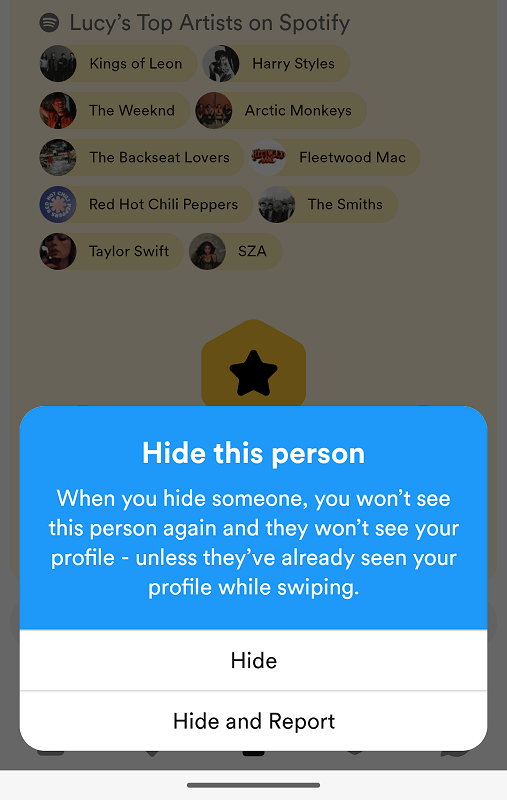
Sort of—once you see them. When a specific person appears, use Hide on their profile to keep yourself out of their queue from then on. It’s not retroactive, so if they’d already scrolled past you, that can’t be undone. If you want zero surprises, toggle Incognito Mode so no one sees you unless you like them first.
Can Someone Find You On Bumble With Your Phone Number?
No. Bumble doesn’t provide a phone-number or name search, and you can’t pre-block by contacts or number either. Your only blocking options are on profiles you encounter or in existing chats. Bumble does let people share a private link to recommend a profile to a friend, but that still opens in the app and behaves like a normal profile—no global search exposure.
4 Ways To Stop Someone Seeing You On Bumble
If someone just isn’t your vibe, you don’t need to go nuclear. But if you want distance, here are your tools—ranked from softest to strongest.
Hide Someone On Bumble
A soft block straight from the profile: open the profile > options > Hide. Result: they won’t see your profile going forward, and they aren’t notified. They may have seen you already.
Blocking On Bumble
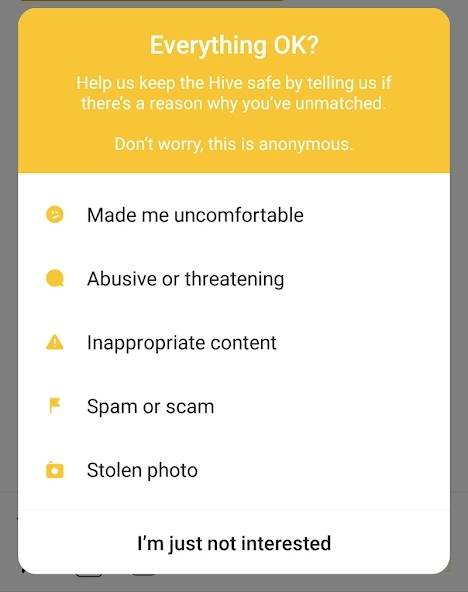
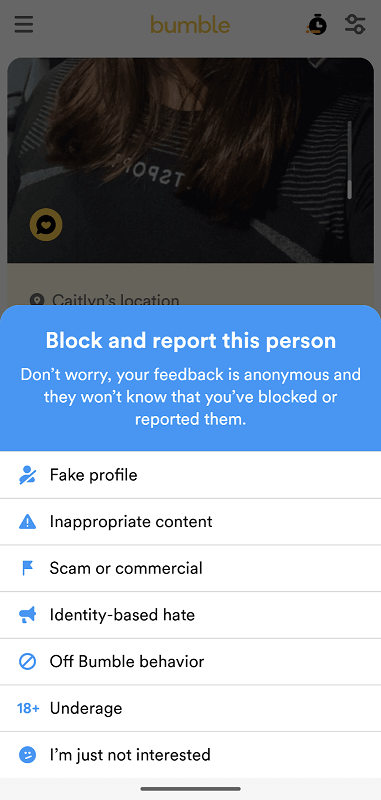
Open the profile or chat > Block & Report. You can select a reason—or choose “I’m just not interested.” This removes you from their chat and feed with no notification.What does the other person see when you block them?
Nothing. If you block from the deck, your profile won’t appear again. If you block in Chat, the conversation disappears on their side. No alerts or warnings appear.
Reporting On Bumble
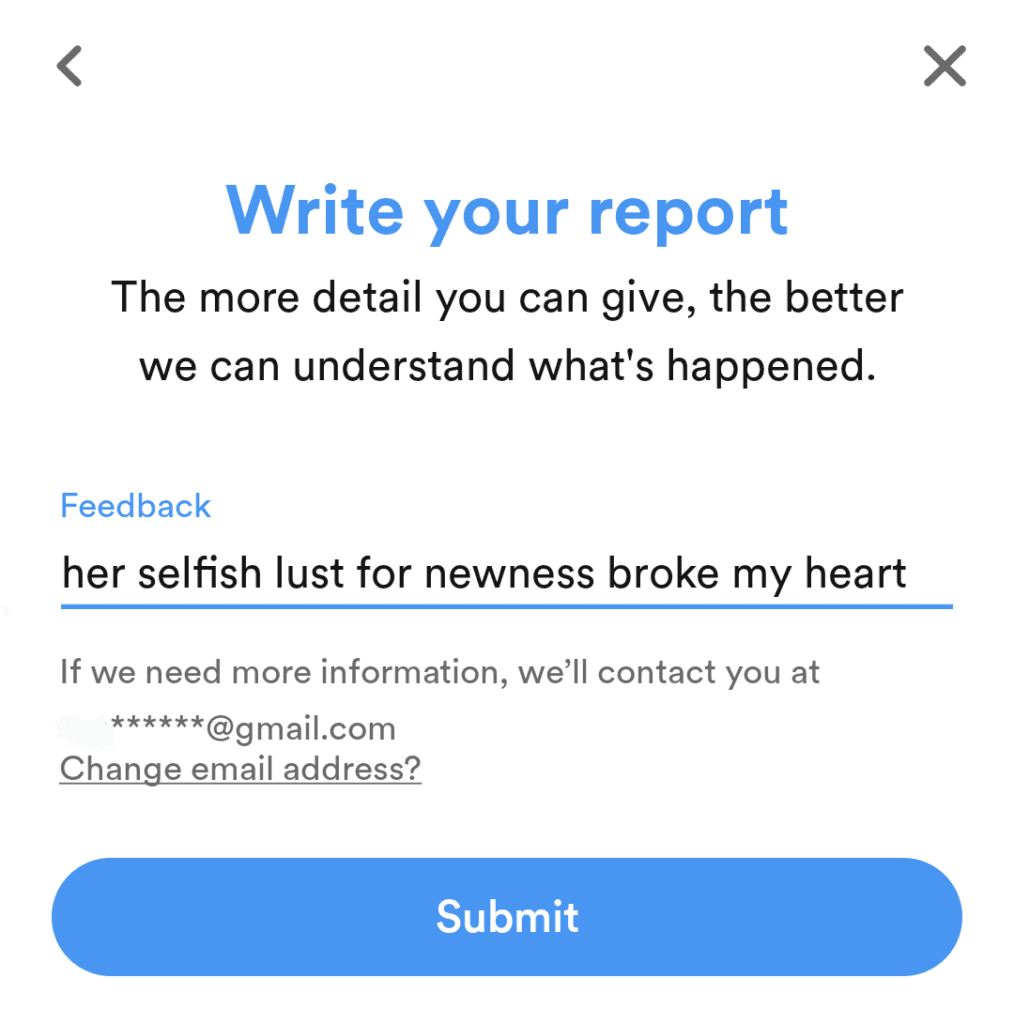
If someone crosses a line, use Block & Report with a reason. Reports are private and reviewed by Bumble’s safety team. You might be asked for details via email, but the other person never sees your info. Save reporting for genuine safety issues so the system stays effective.
Unmatching On Bumble
If you just want a clean exit, Unmatch. It deletes the chat and connection. You might see each other again in the swipe deck someday, but only if both of you swipe right again.
Final Thoughts
It’s 2025; online dating isn’t going anywhere. If you want someone specific not to see you, use Hide or Block & Report. If you want nobody to see you until you choose, switch on Incognito. And if you want a break from it all, Snooze is your friend—easy, private, and drama-free.
FAQ
Can I pre-block my ex so they never see me?
No. You can’t block by phone number, name, or contacts. You’ll need to use Hide or Block & Report when their profile appears, or go Incognito to stay invisible.
Is Incognito Mode free?
No—it’s part of Bumble Premium. It hides you from everyone until you swipe right on them, giving you complete control over who can view your profile.
Does hiding or blocking notify the other person?
No. If you hide or block from the deck, your profile disappears for them; if you block from Chat, the thread vanishes. No notifications are sent.
What if I need a short break without deleting my account?
Turn on Snooze Mode for 24 hours, 72 hours, a week, or indefinitely. Your profile stays hidden, but existing chats remain active.
Can people find me by phone number or name?
No. Bumble doesn’t allow global search by phone number or name, and you can’t block by contacts. Profiles appear only through the swipe deck.
What’s new for safety in 2025?
Optional ID verification badges and Share Date features let you confirm matches and share plans with trusted contacts for safer dating.
