
Dating apps love shiny names for the same old swipes—Feeld just happened to reinvent the third wheel. Once cheekily called “Thrinder,” it’s now a home for singles and couples, with a glossary that can make your head spin. But we’re not here for a crash course in labels—we’re here to decode that big red M you keep seeing on Feeld and whether you can hide it. Let’s dive in.
TL;DR
- The red M on Feeld stands for Majestic, the app’s paid membership.
- Majestic unlocks features like Incognito, Private photos, Who liked you, filter by Desires, Last seen/Recently active, unlimited likes, and daily Pings/Notes.
- Pricing varies by location and store (monthly and annual options).
- There’s no official way to hide the M/badge at the moment.
- If you want more matches, tune up your profile before paying.
What Does The M Mean On Feeld?
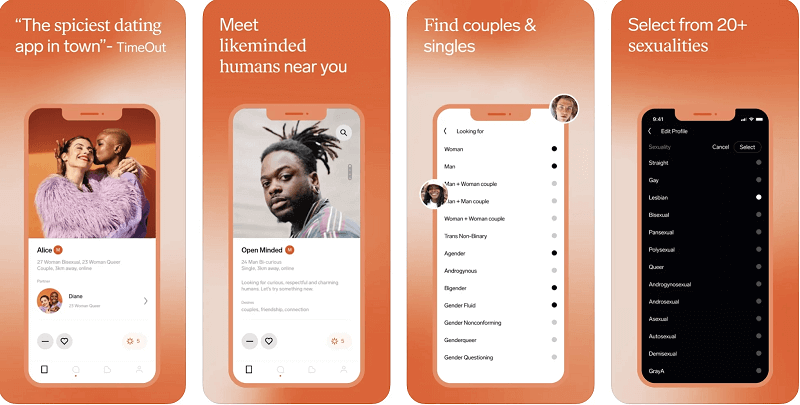
We could guess what the M stands for—masochism? Maschalagnia? Nope. The M means Majestic, Feeld’s premium membership. If you see the red M on a profile or in “Who Likes You,” that person’s on Majestic and has access to extra tools that can speed up connections or add privacy.

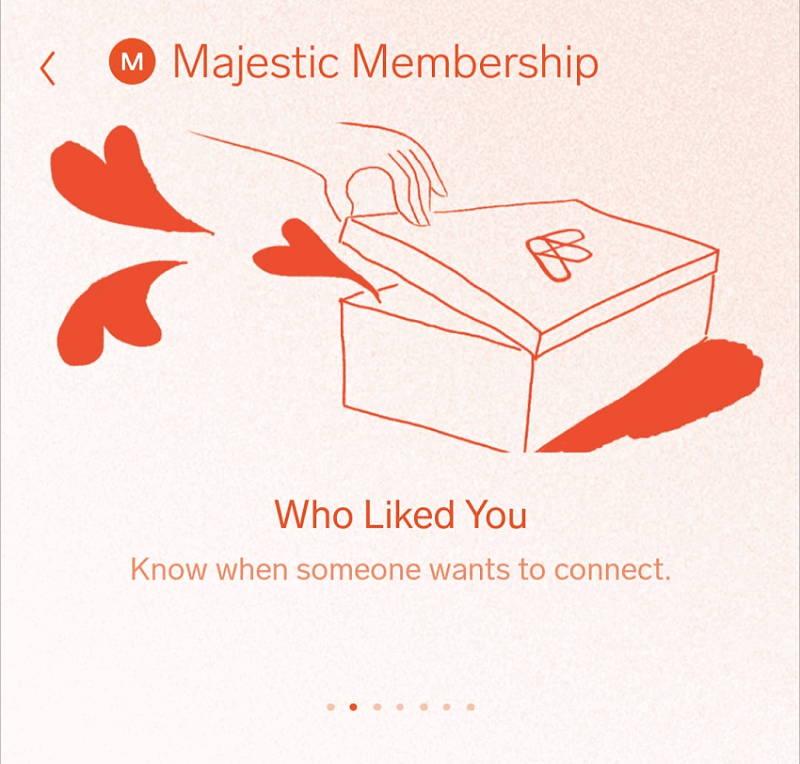
Feeld Majestic Membership
So the M stands for nothing more alarming than Majestic. Paid-up members get a handful of kingly (or queenly) perks that fit Feeld’s open-minded vibe.
How much is Majestic?
Feeld offers monthly and annual plans, and the exact price varies by region/app store. Open your app to see your local price. Recent examples show typical monthly pricing around the mid-teens to low-30s USD or about £17.99 in the UK, but your rate may differ.
Feeld Majestic Features
Many premium perks are familiar if you’ve used other apps, but Feeld adds a few curveballs:
- Incognito Mode
Only people you’ve liked will see you in Discover—handy if you want privacy or to avoid colleagues. You can still browse; you just won’t appear to others until you like them. - See Who Liked You
Skip the suspense and view the people who already liked you before you match. - Private Photos
Upload pics visible only to your Connections. It’s perfect for sharing a little more—but only with people you vibe with. - Filter by “Desires”
Zero in on specific tags—think relationship style or particular interests—so you find your kind of fun faster. - Recently Active + Last Seen
Filter for profiles active in the last week and view approximate last-online info to focus on people who are actually around. - Unlimited Likes + Daily Ping/Note
Like freely, and use a Ping (Feeld’s SuperLike-style nudge) and a short Note daily to stand out.
Incognito Mode
With Incognito on, you’ll only appear to the people you’ve already liked. Great for discretion; just remember it reduces how many people discover you organically.
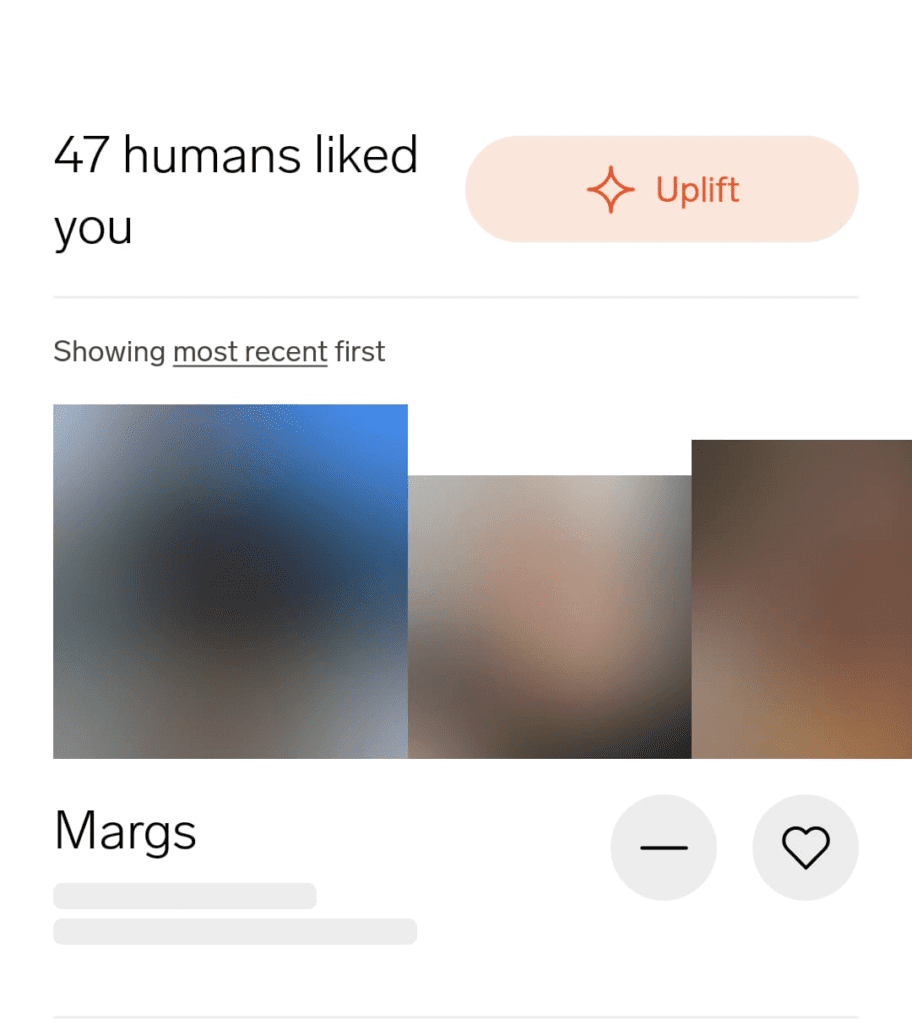
See Who Liked You
Tap the heart to open the “Liked You” tab. Majestic lets you see unblurred photos and jump straight into matching with those admirers.
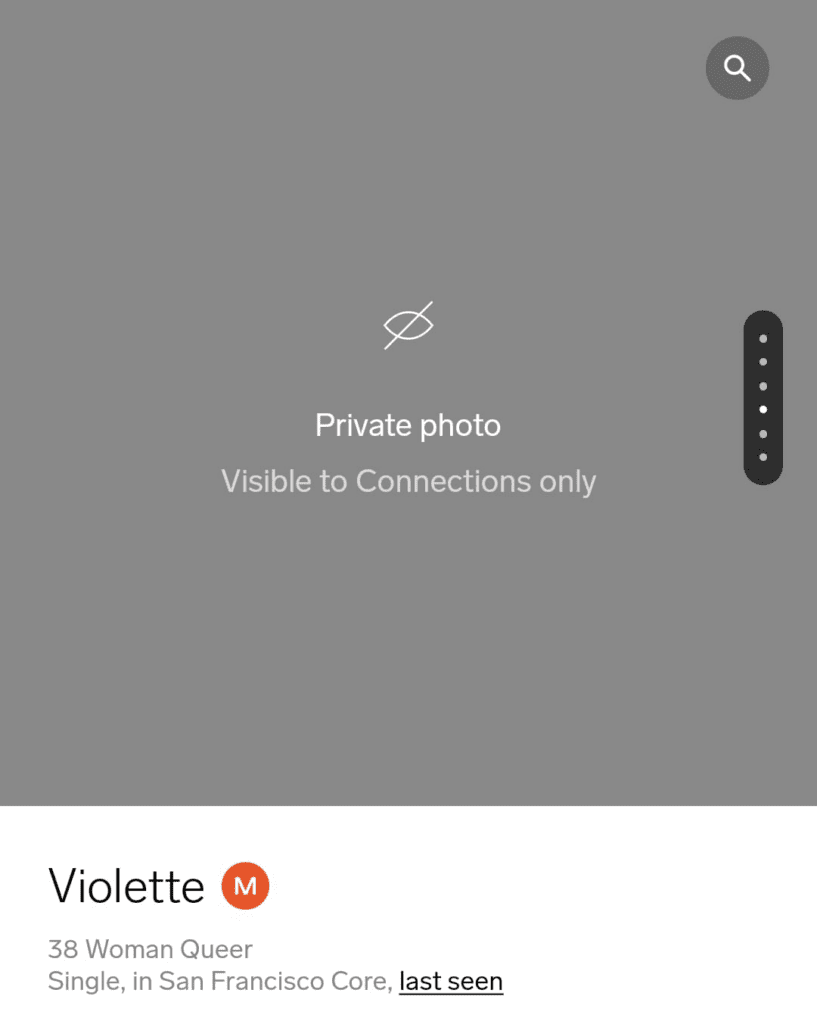
Private Photos
This is a Feeld-specific gem: keep certain photos behind a velvet rope for Connections only. It’s perfect for sharing a little more—but only with people you vibe with.
Filter The Discover Feed By ‘Desires’
Set the tone by filtering for the tags that matter to you—casual, ENM, and beyond—so your Discover feed feels tailored instead of random.
Filter By ‘Recently Active’
Trim the ghost town. Focus your time on people who’ve been on the app lately, with “Recently Active” and “Last Seen” signals to help you gauge responsiveness.
One Free ‘Ping’ Per Day
Think of a Ping as Feeld’s version of a SuperLike: a quick heads-up that you’re into someone. You also get a short Note daily to add context or charm.
Can You Hide Majestic Membership On Feeld?
If you’re aiming for stealth: there’s no official setting to hide your Majestic status or remove the M badge right now. If this matters to you, tell Feeld support—it’s the kind of thing they may revisit.
Final Thoughts
That big ol’ M on Feeld just means someone’s on Majestic—with perks like Incognito, Private photos, Who liked you, filters by Desires, activity signals, and daily Pings/Notes. Pricing’s pretty reasonable compared to other apps, but it does vary by region, so check your app store for the exact rate. If you’re curious, try a month—but don’t splash out before you give your profile a once-over.
So check out my totally free profile do-over guide: introducing, the 6-Step Tinder Tune-Up. Even though it says Tinder on the tin, it works for all dating apps—and the profile vibe-check is perfect for Feeld, where attracting the right sort of matches makes all the difference.
Maybe some new photos or a snazzy bio is all you need for a match list fit for a king. How’s that for majestic?
FAQ
How does messaging work on Feeld?
Head to the Chats tab (speech bubble icon on the bottom bar). Your matches appear at the top—tap a profile picture to start a convo. Keep it light, specific, and respectful.
Can I hide the red M / Majestic badge?
Not right now—there’s no official toggle to hide Majestic status. If discretion is key, use Incognito so only people you’ve liked can see you.
What exactly are “Desires”?
They’re profile tags for relationship styles and interests. Add up to ten and (with Majestic) filter your Discover feed to find people who match your vibe.
Is “Last Seen” accurate—and can I filter for active people?
Feeld provides Recently Active and Last Seen signals to help you focus on users who’ve been around lately. Treat them as handy guides, not hard timestamps.
What does Incognito do—and can I still Like people?
Incognito hides you from Discover until you like someone; then you’ll be visible to them. You can browse, like, and match as usual—just more privately.
How much does Majestic cost in 2025?
Feeld runs regional pricing with monthly and annual options; open the app to see your exact price. Public examples in 2025 show typical monthly rates in the mid-teens to low-30s USD or around £17.99 in the UK
