
Let’s cut to it: Tinder doesn’t show your exact location to other users. It displays distance (and your city if you add it), and that’s it. Behind the scenes, the app uses your device’s location to power matches — but it keeps the precise coordinates to itself.
TL;DR
- Tinder does not reveal your exact location — only your distance and optional city.
- Tinder Places was discontinued; there’s no live map of users.
- Location updates when you’re using the app or Tinder.com tab.
- Use Incognito or Show me on Tinder toggle for privacy.
- Change your visible location with Passport in Tinder Plus, Gold, or Platinum.
Dude Hack Exclusive Offers



Does Tinder Know Your Exact Location?
We’re all walking around with tiny supercomputers in our pockets that track our every move. It’s natural to wonder if Tinder gives away your exact whereabouts. The answer: No, Tinder doesn’t show your exact location. It shows distance and, if you’ve added it, your city — never the pinpoint coordinates. Your matches can’t see your real-time position.
The old Tinder Places feature that showed where users had been is gone for good. Today, no one can trace your location through Tinder.
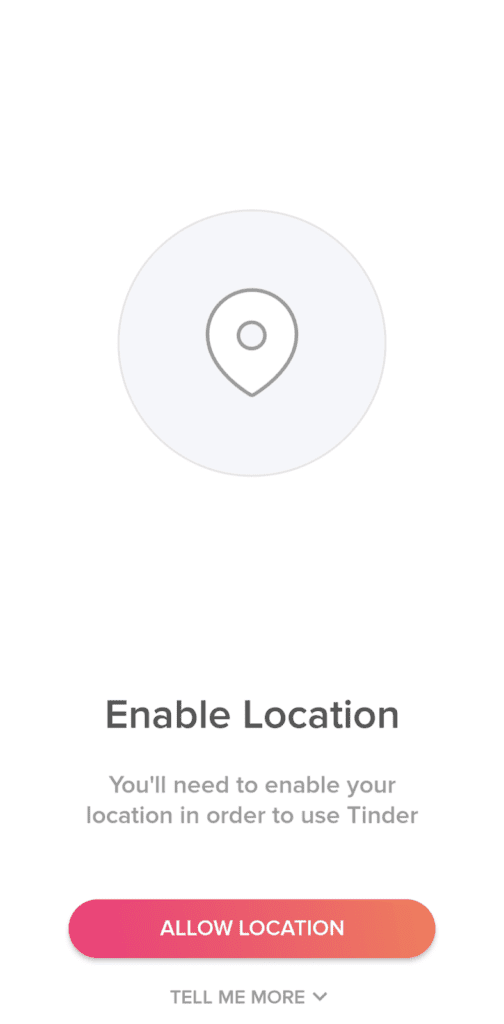
Tinder itself does know your precise location. You must enable location permissions to use the app so it can calculate distances and show nearby profiles. On iOS and Android, Tinder typically uses “While Using the App” permission, updating your location when the app or an active Tinder.com tab is open.
Tinder’s internal systems protect user data with secure encryption and obfuscation methods, preventing others from accessing or reverse-engineering your exact coordinates.

How to Hide Location Tinder
It’s nearly impossible to use Tinder without sharing your location because the app won’t function without GPS access. But you can adjust how it appears:
- Tinder Passport (included in Plus, Gold, or Platinum) lets you set a custom city to match in.
- Incognito Mode hides your profile from recommendations unless you’ve liked someone first.
Discovery Off (free option) stops showing your profile to new users while allowing you to chat with existing matches.
If you’re serious about privacy, take photos in different environments so your profile doesn’t reveal where you live or work. If location tracking still worries you, consider non-location-based dating apps as an alternative.
And if you’re thinking about upgrading, Tinder’s 2025 paid tiers are Plus, Gold, and Platinum, each offering different levels of visibility and control.

Does Tinder Update Your Location Automatically?
When you travel, you might notice Tinder showing matches from everywhere you stop. That’s because Tinder updates your location automatically while the app is in use. Modern smartphones limit continuous background updates unless you’ve granted special permissions. If you disable Precise Location, Tinder only detects your approximate area.
Does Tinder Location Update Without Opening The App?
Usually, no — your location only updates when Tinder is open or active in your browser. If you’ve allowed background location access in your phone settings (rare today), Tinder may update in the background. To stop updates completely, close Tinder and any active browser tabs before traveling.
If you want consistency in your match location, close the app during trips so it doesn’t shift your city or distance mid-journey.
Final Thoughts
Tinder will never reveal your exact location to your matches — but eventually, you’ll probably share it yourself when you’re ready to meet. Every great Tinder chat should lead to a real-world connection. If you want to boost your chances, check out the 6-Step Tinder Tune-Up for crafting the perfect bio, photo set, and profile vibe to attract the matches you really want.
FAQ
Does Tinder have a live map of where I’ve been?
No. Tinder Places was discontinued years ago, and there’s no visible map of your movements.
What’s the difference between Incognito and turning off Discovery?
Incognito (paid) hides you from everyone except people you like. Turning off Discovery (free) removes you from new recommendations entirely but keeps existing chats open.
Can I set my location somewhere else without spoofing apps?
Yes — the Passport feature lets you choose any city worldwide and swipe there, available in Tinder Plus, Gold, and Platinum.
Does Tinder track my exact location on iPhone?
You can control this in iOS settings. Turn off Precise Location to share only an approximate area.
Why do I still see people outside my distance range?
Tinder occasionally shows profiles slightly beyond your set range if it thinks they’re a strong match. You can toggle this in Discovery settings.
What are Tinder’s current paid plans in 2025?
The app offers Plus, Gold, and Platinum, each with perks like Passport, “See Who Likes You,” priority likes, and message-before-match features.
